

Overview
To access Generative AI Tools, go to Product Switcher > Generative AI Tools, or click the icon in the left-side menu.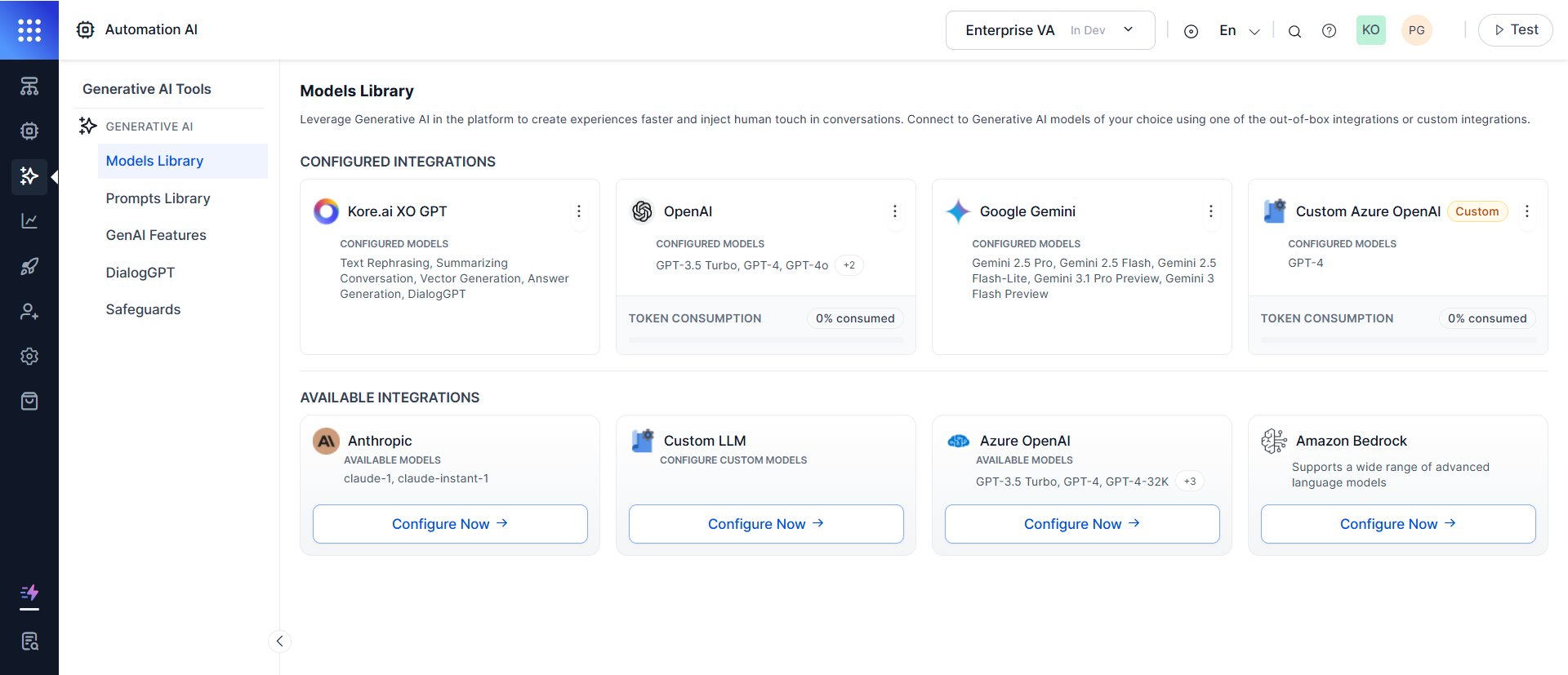
Integration Options
Key Features
Key Benefits
Free Tokens
New apps in Standard workspaces receive free LLM tokens powered by OpenAI GPT-4o (Azure) via Kore.ai’s enterprise account. This lets you explore GenAI features immediately—no LLM setup required.Free tokens are only available for apps created in Standard workspaces.
Claim free tokens
Select the free tokens icon in the platform header. Once claimed, all GenAI features activate using OpenAI GPT-4o (Azure).Automation AI features available with free tokens
See all GenAI features.
Security note
Don’t upload sensitive documents while using free tokens. Free tokens are for exploration and testing only—switch to your own LLM account before handling confidential data.Transition to your own LLM
When your free tokens run out:- Go to Generative AI Tools > Models Library.
- Select a preferred LLM provider.
- Obtain an API key from that provider.
- Enter the API key and save.
- Go to GenAI Features and enable the features you need.
Getting Started
- Integrate a pre-built, custom LLM, or XO GPT model in Models Library.
- Create prompts in the Prompts Library.
- Enable GenAI Features.
- (Optional) Enable Data Anonymization and Guardrails.