Prerequisites
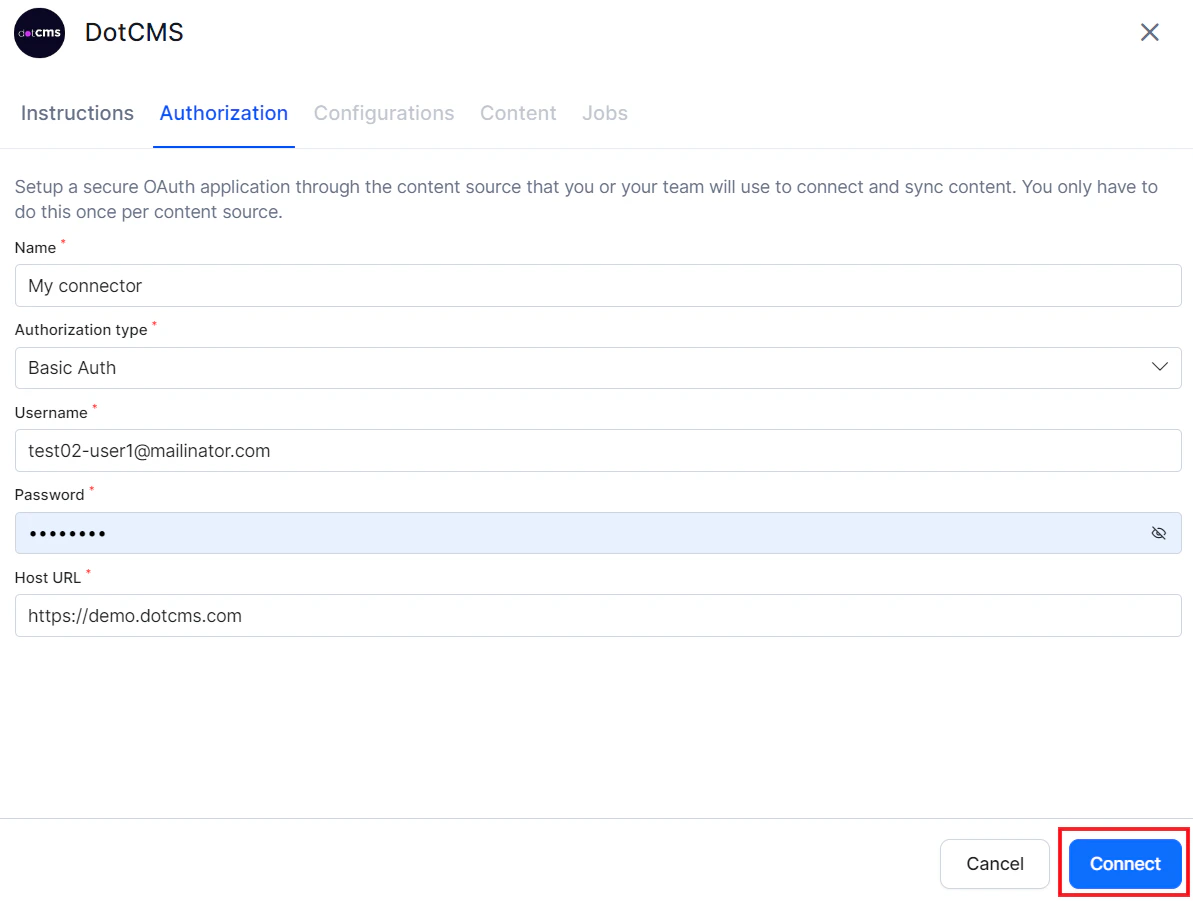
Search AI uses Basic Auth to connect to dotCMS. You need dotCMS user credentials with permissions to access the required resources.Configure the dotCMS Connector
Authorization
Go to Content > Connectors and select DotCMS.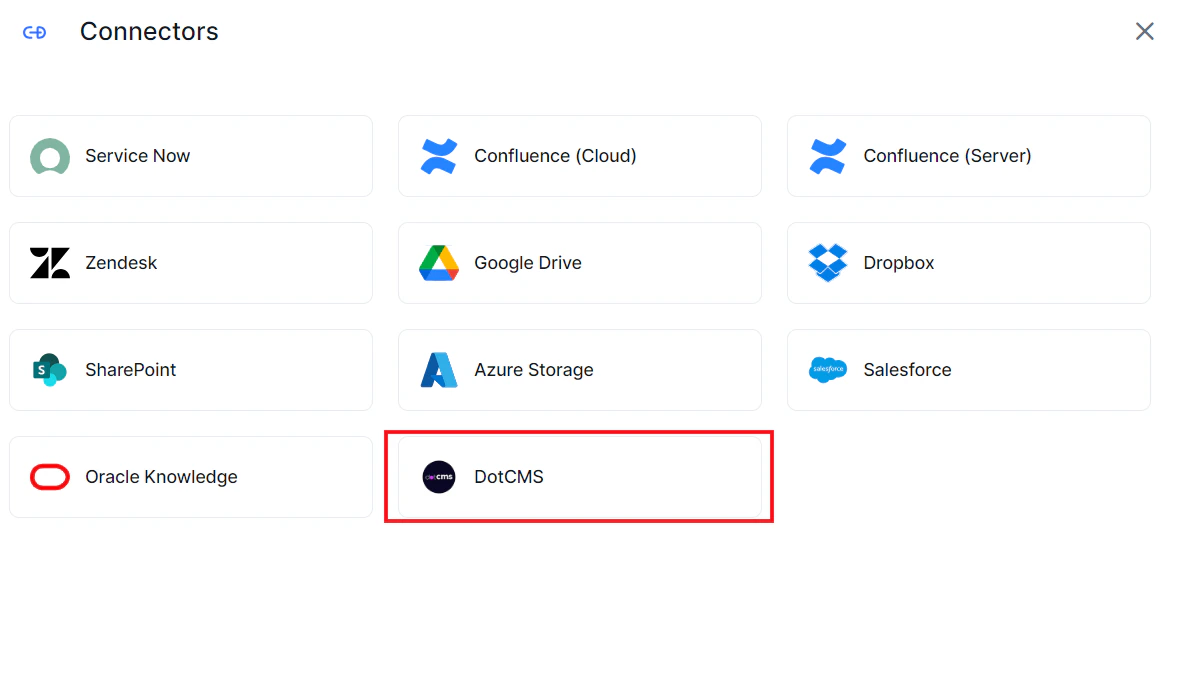
Content Ingestion
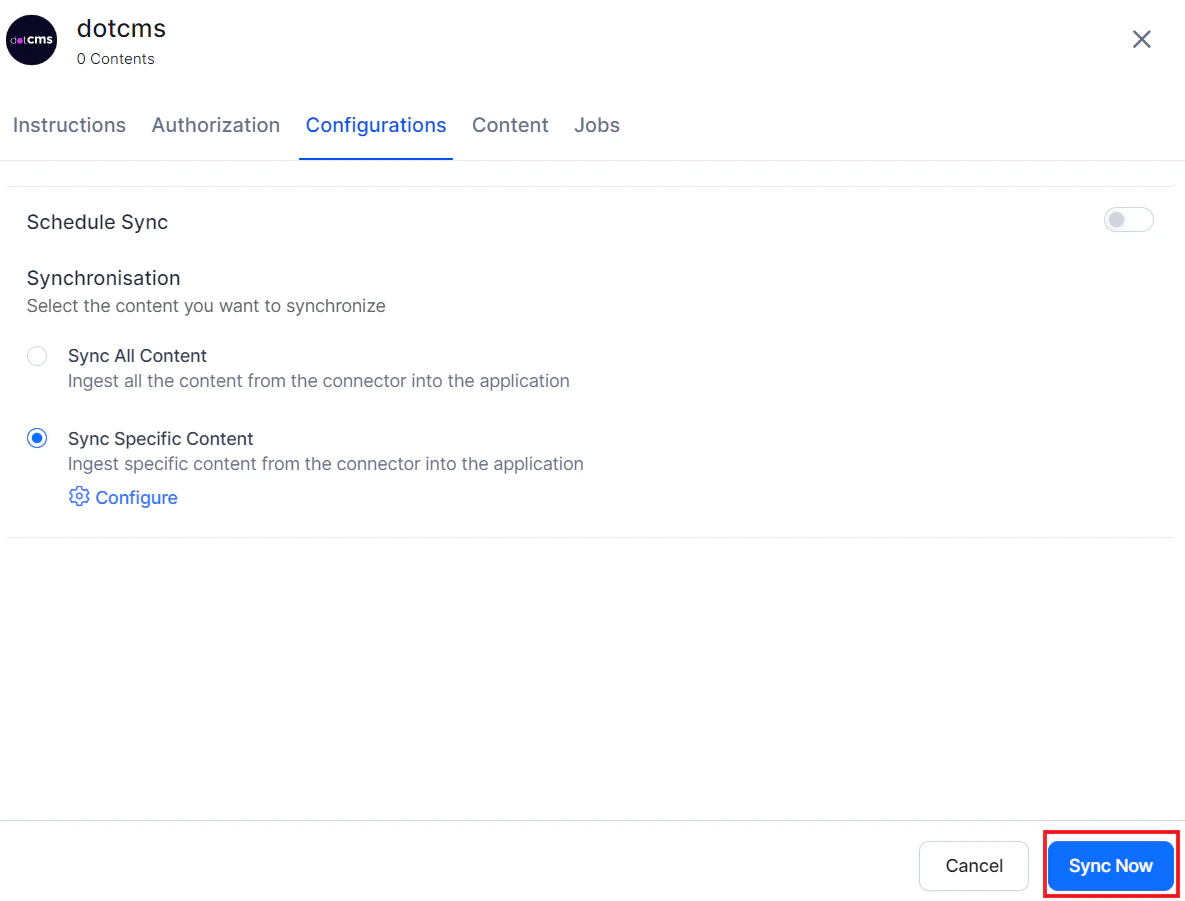
Go to the Configuration tab and select the content to ingest. You can sync all content from the dotCMS account or select specific content.Content Filters
To selectively ingest content, select Sync Specific Content and click Configure. Define rules using a parameter, operator, and value.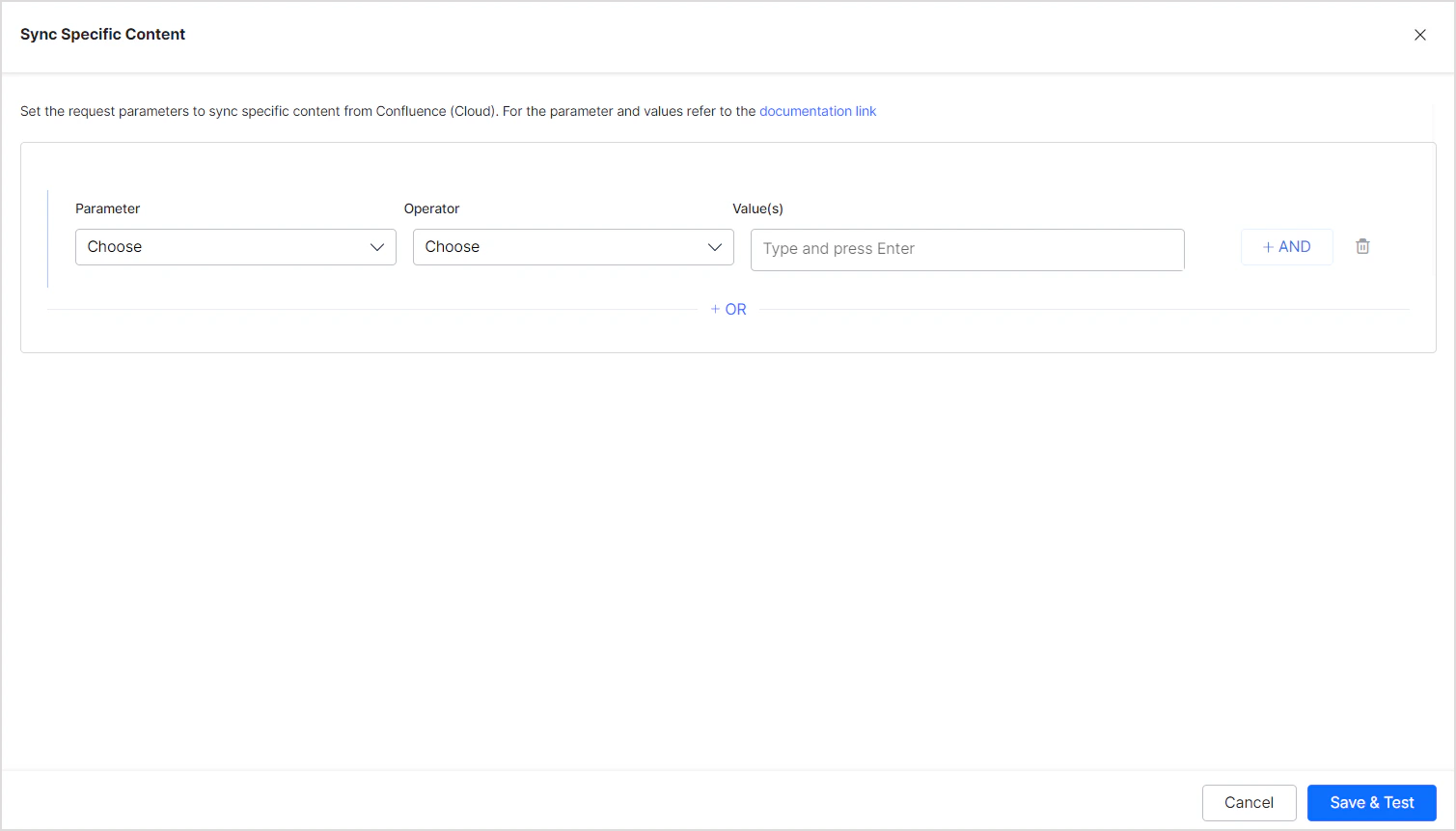
You can also add any other System Properties defined for your dotCMS content.
The Operator field accepts values such as equals, not equal, and contains, depending on the selected parameter.
Example: Ingest all content with Base Type set to “Page”:
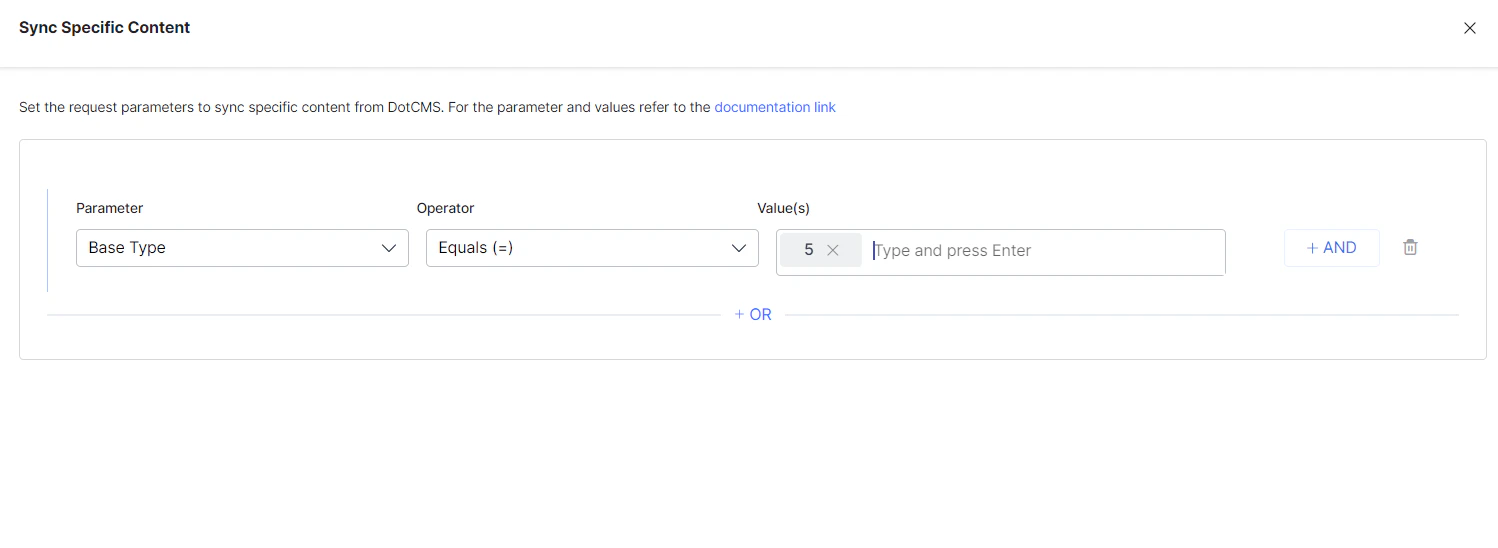
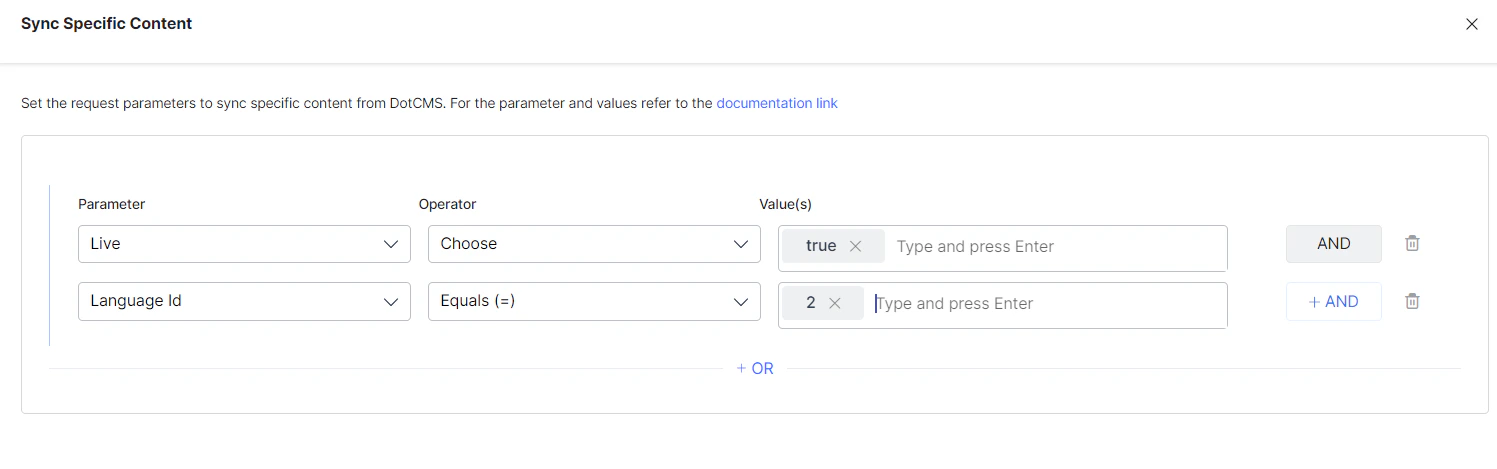
- Use the OR operator to combine multiple rules for different content types.
- Use the AND operator within a rule to apply multiple conditions.
- You can use other System Properties defined by dotCMS to add rules. The parameters listed above are commonly used defaults.
- Ensure property names and values exactly match the expected values in dotCMS. Refer to dotCMS System Properties documentation for details.
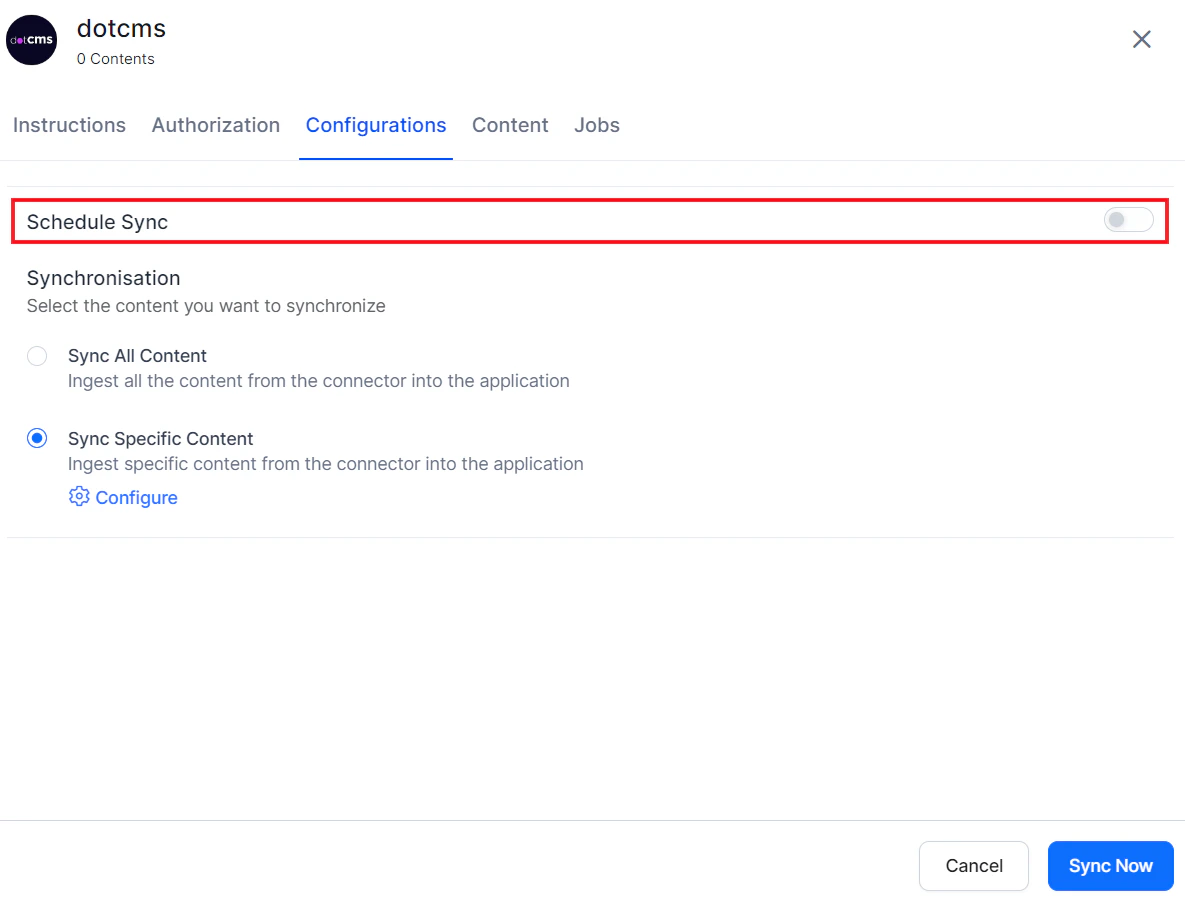
Content Sync Schedule
Manual sync — Click Sync Now to immediately ingest all updates from the dotCMS account.