

Template Types
Widget SDK templates support two header option types:url— Opens an external site.postback— Triggers an utterance in the assistant. Thepayloaddefines the utterance;nlmetaprovides additional context to trigger the task.
Button Template
Displays a clickable button in the header of any message template.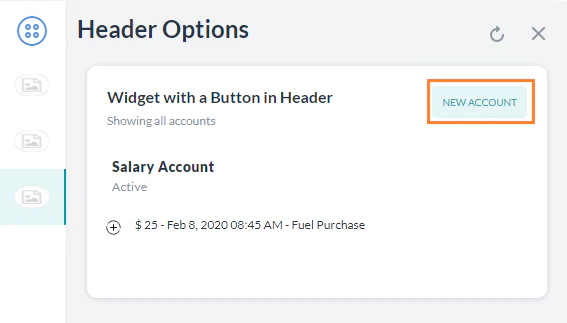
Menu Template
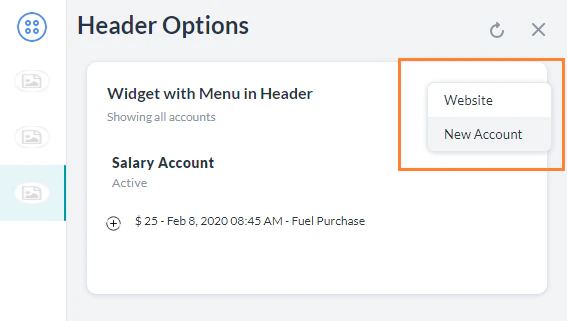
Displays a dropdown menu in the header of any message template. Supportsurl and postback menu items.
List Template
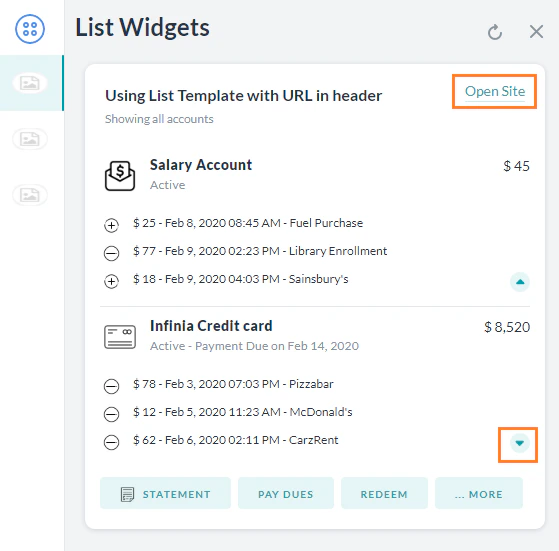
Displays a formatted list with optional images, buttons, and expandable details per item. UsebuttonsLayout.displayLimit.count to control how many buttons show before an overflow icon appears.
Pie Chart Template
Displays data in a pie chart with optional buttons and a header link.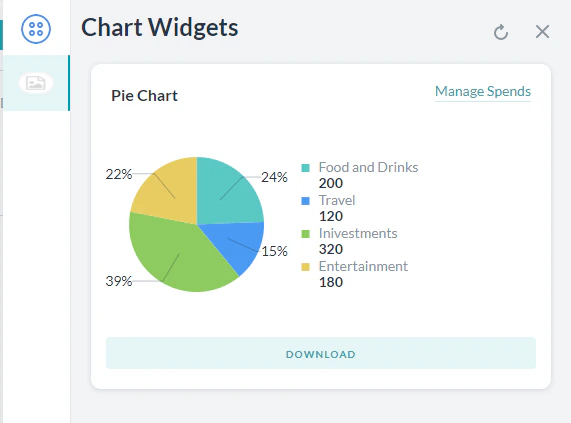
Line Chart Template
Displays data as a line chart with multiple data series.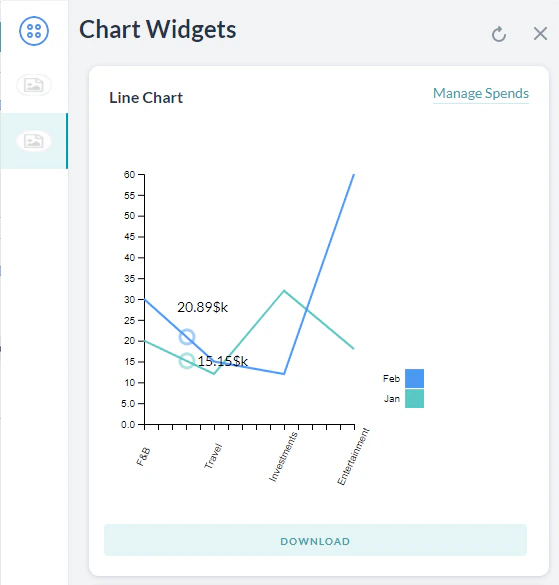
For customized JavaScript responses and channel-specific templates, see JavaScript Prompts or Responses.