How to Use Actions
- Authorize a developer or user with single-click authorization.
- Enable an integration to exchange data between systems during dialog task execution.
- Create dialog tasks using preconfigured templates supported by the integration.
Actions Enablement
By default, your AI Agent doesn’t exchange data with any integration until you authorize one or more actions. Once enabled, actions allow the agent to perform operations in third-party systems.Authorization Types
The platform supports OAuth 2.0, Basic Auth, and API Key authentication.
Actions can be authorized using pre-authorized credentials provided by the developer, or by end-user credentials authorized during the conversation.
An email notification is sent to all app developers when an authorization token expires for any pre-built action integration. The integration moves to an error state on expiry, and service calls fail at runtime with the message “Something went wrong” displayed to the end user.
Available Actions
Go to App Settings > Integrations > Actions and click an action to open its configuration panel.Disabling or Deleting Actions
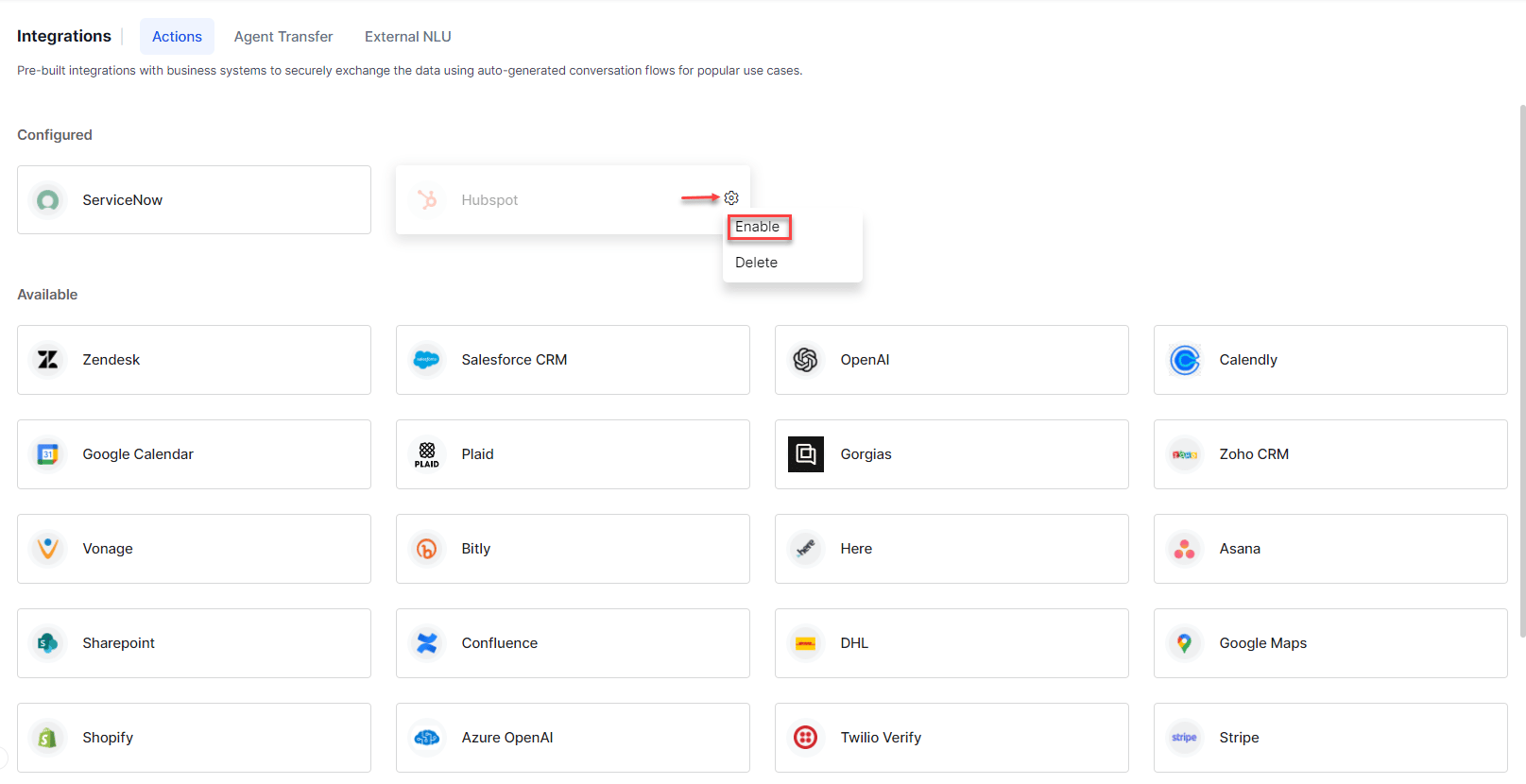
Disable an Integration
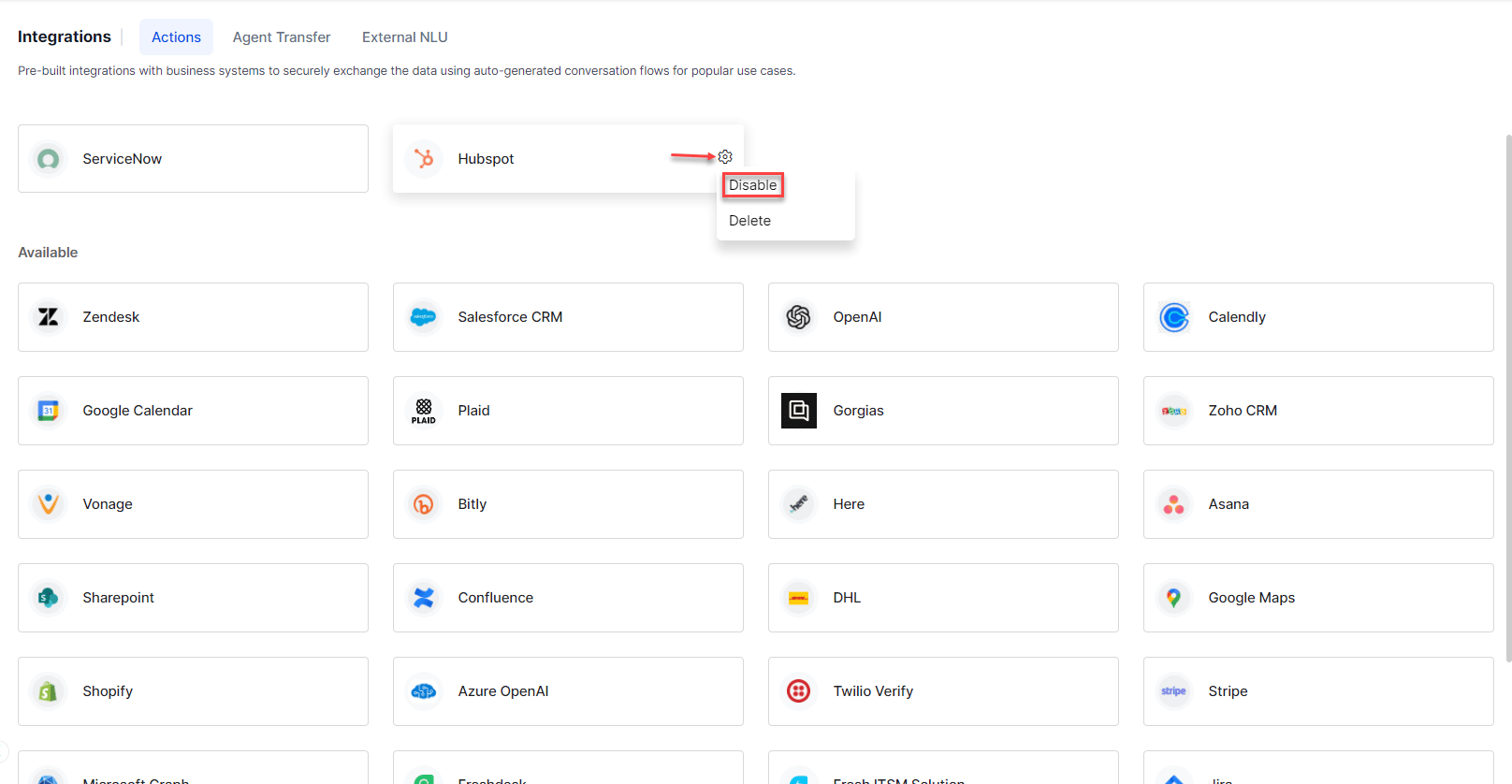
Disabling changes the status from enabled to disabled but retains authorization configurations.- Go to App Settings > Integrations > Actions.
- Hover over the integration and click the Settings icon.
- Click Disable.
Delete an Integration
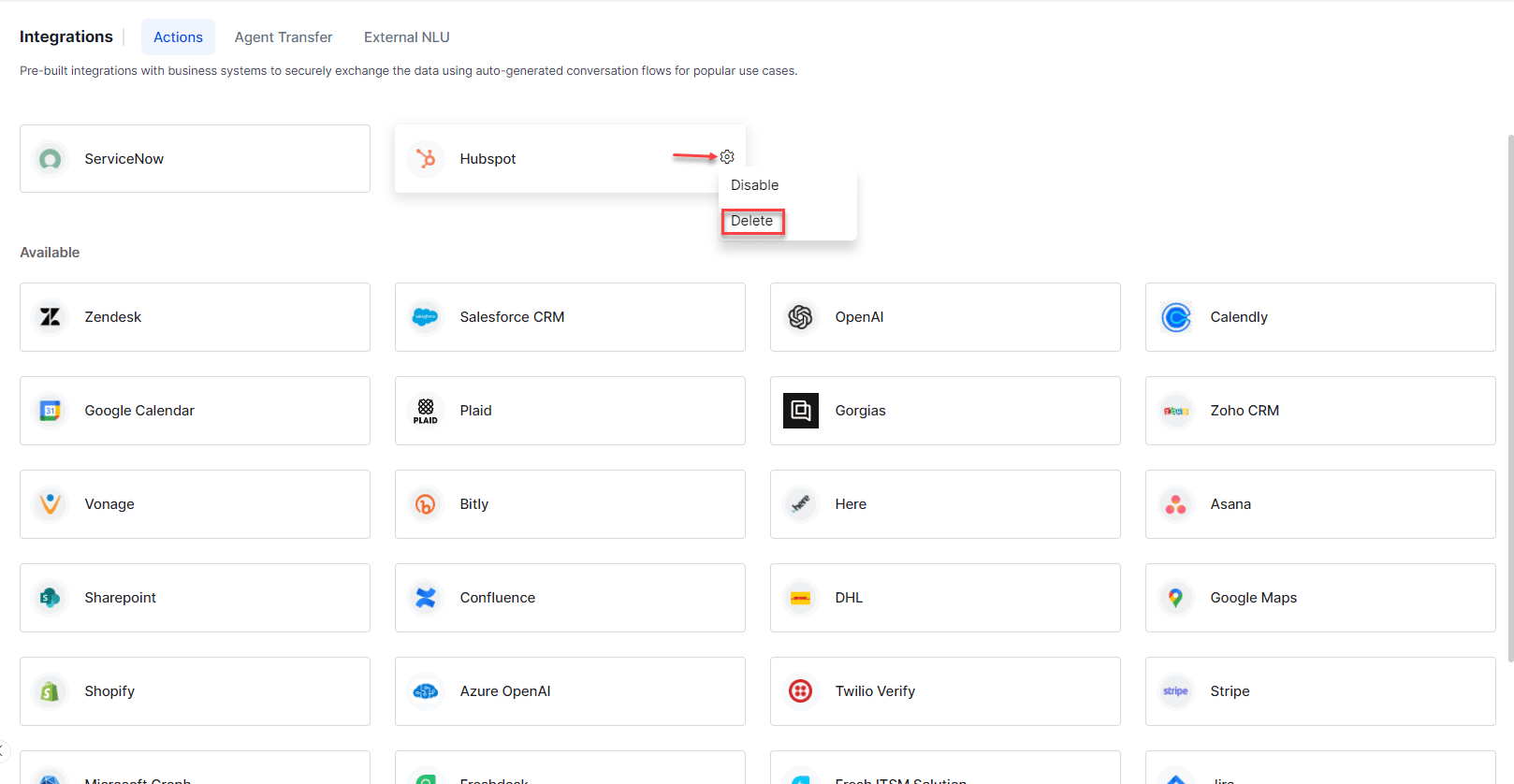
- Go to App Settings > Integrations > Actions.
- Hover over the integration and click the Settings icon.
- Click Delete.