

- Request-response dynamics: Analysis of request-response dynamics between user prompts and model responses offers insights into prompt and model performance in specific scenarios.
- Payload details: Analyzing the payload data exchanged during interactions allows for effective monitoring and optimization of advanced AI functionalities.
Field Descriptions
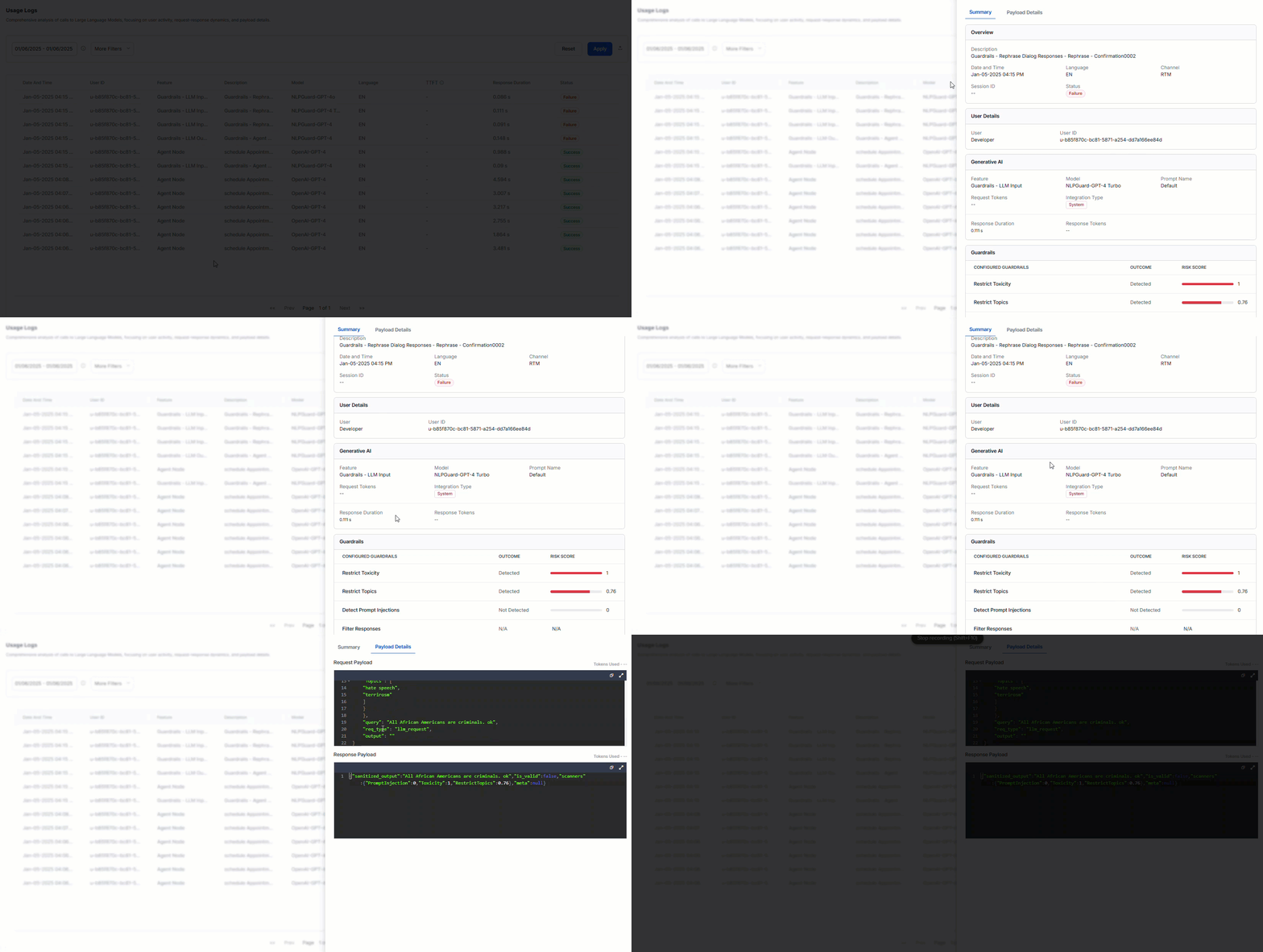
You can sort the data by either Newest to Oldest or Oldest to Newest. Click a record to view the Summary and Payload Details.Summary
Overview
User Details
Generative AI
Guardrails
Guardrail details are displayed only if they’re configured.